


The Product Is No Longer Available: How to Manage Editorial Links
An out-of-stock or discontinued product does not automatically require a redirect. Learn how to diagnose the situation, choose a useful destination, and document each change.
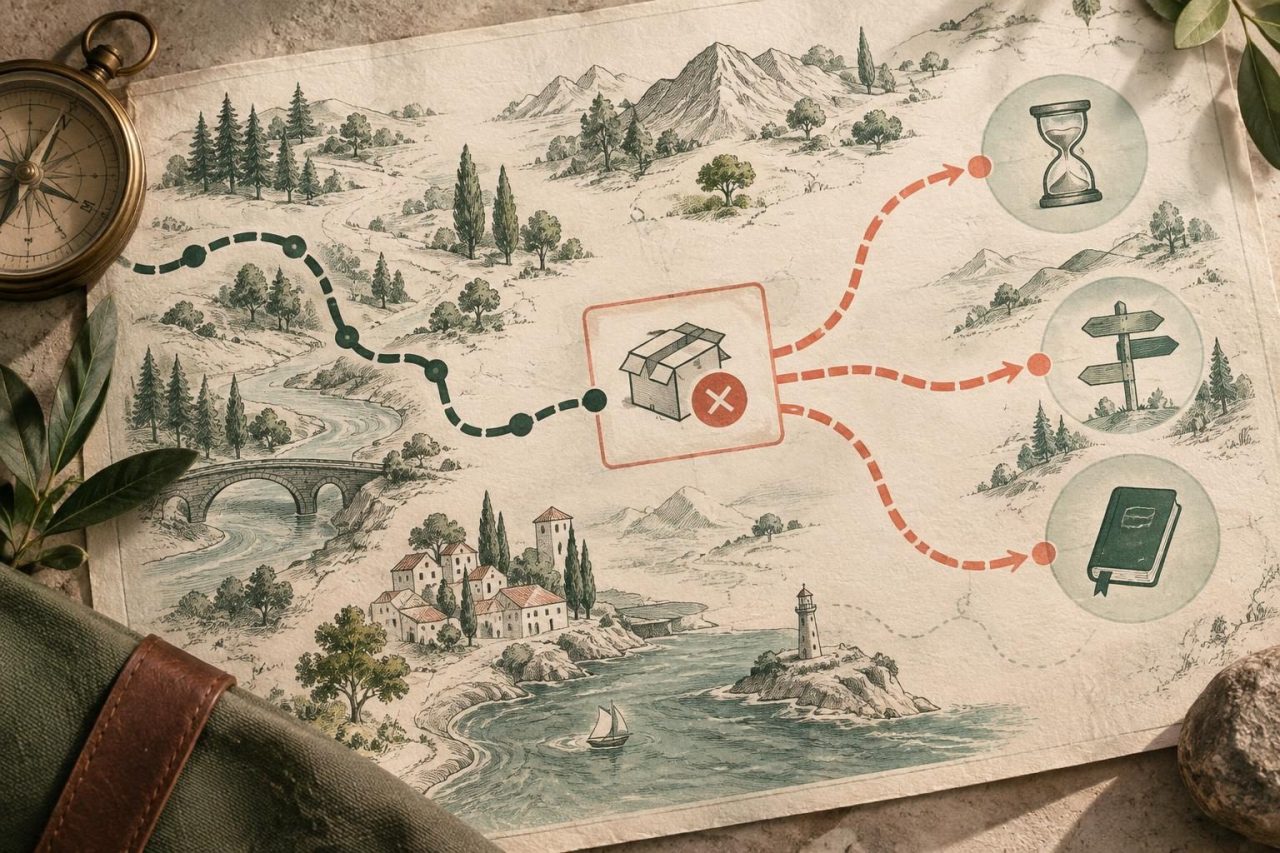
Why an Out-of-Stock Item Should Not Trigger an Automatic Redirect
The fact that a product cannot be purchased today does not mean its URL is no longer useful. Readers may need to check its specifications, instructions, compatibility, or future availability. An automatic redirect based only on inventory status may take them to a page that does not meet their needs.
- Check what someone sees when they follow the link, not just the status shown by the inventory system.
- Distinguish between a temporary availability change and a permanent discontinuation.
- Choose a response that maintains a clear connection between the reader's intent and the destination.

Diagnose the Type of Discontinuation Before Changing the URL
Start by confirming what has happened and, if possible, how long it is expected to last. Check the catalog, the team responsible for the product, and the URL's history. Do not turn an uncertain restock forecast into a promise to the reader.
- Temporarily out of stock: the product still exists and may become available again.
- Discontinued product: it is no longer sold and no restock is expected.
- Replacement: a successor model or product exists, and its equivalence must be checked.
- Withdrawn for another reason: there may be safety, compliance, or range-removal issues; follow the relevant internal protocol.

Check Whether the Page Still Meets the Reader's Needs
Before removing or redirecting the product page, assess its usefulness beyond the purchase button. A page may still answer questions even when the product is no longer available; it may also be outdated or misleading. Review the published information, the context of the editorial link, and the intent suggested by the surrounding text.
- Are the specifications, images, and terms still accurate?
- Does the linking article recommend the product for a specific need, or merely mention it?
- Does the page provide useful information about compatibility, maintenance, or alternatives?
- Is it clearly stated that the product can no longer be purchased?
Choose Whether to Keep the URL, Offer an Alternative, or Remove the Page
The decision should reflect the product's actual status and the page's usefulness. There is no one-size-fits-all solution: keeping the URL may be appropriate in a temporary situation, while a genuine replacement may justify updating the destination. If there is no useful content or related alternative, removing the page may be clearer than redirecting to an unrelated place.
- If the product is temporarily out of stock, it is generally best to keep the page accessible, state the status accurately, and avoid unconfirmed restock dates. You can show alternatives, but do not obscure the status of the original product.
- If the product has been discontinued and the page still contains useful information, you can keep it with a visible notice and links to relevant options.
- If there is a genuinely equivalent successor and the old URL no longer has a purpose of its own, consider a permanent redirect to that page. Check that the new destination meets a comparable intent.
- If there is no coherent replacement and no reason to keep the page, remove it using the appropriate HTTP status and review any links that still point to it. A 404 or 410 may be appropriate, depending on the case.
Coordinate the Change with Editorial Content That Includes the Link
A change in the store does not automatically update articles that point to the product page. Identify affected content you own and external links. If the article is published by your organization, review the text and destination together so the recommendation remains accurate. If a third party published it, you can contact the editorial lead and explain what has changed, suggesting a useful page rather than demanding a specific edit.
- Update the link when the destination no longer delivers what the accompanying text promises.
- If you suggest an alternative, explain why it is relevant and let the editor assess the change.
- Do not replace one product with another just to preserve the link: the relationship must be genuine and understandable.
- If the link is part of a paid collaboration, maintain transparency. Depending on the case, attributes such as sponsored or nofollow may be appropriate.
Record the Decision and Review the Destination After the Change
Documenting the reason helps avoid repeating the diagnosis and makes it possible to check that the solution still makes sense. Keep enough information for another team member to understand what was done, why it was done, and what might prompt a new review.
- Record the original URL, the chosen destination or removal status, and the date of the change.
- Log the reason: temporary out-of-stock status, discontinuation, product succession, or withdrawal for another reason.
- Note who approved the decision and which internal sources were consulted.
- Set a review when appropriate, for example, after a restock is confirmed or the product range changes.
- Afterward, check that the URL responds as expected, that the destination is relevant, and that the availability notice is still accurate.
Mistakes to Avoid
Speed should not take precedence over clarity. A route that works technically can still be a poor response if it forces readers to start over or presents them with an offer unrelated to what they were looking for.
- Redirecting every out-of-stock product page to the homepage or a generic category.
- Sending readers to a different product without checking that it meets a similar need.
- Keeping a page with misleading information or a nonworking purchase button.
- Leaving broken editorial links or changed destinations without reviewing the surrounding text.
- Assuming that a redirect, a retained page, or any other action guarantees ranking results.
Frequently asked questions
Should I redirect a product page every time the product goes out of stock?+
No. If the product is temporarily out of stock, its page may still be useful, and it is best to communicate availability clearly. Consider a redirect when the product no longer exists and there is a genuinely relevant replacement destination, not simply because the inventory shows zero.
What should I do if a product has been discontinued and has no replacement?+
Check whether the page still provides valid information. If it does, you can keep it with a clear notice and related options, if any exist. If it is no longer useful, remove it in an orderly way and review the links that pointed to it.
Can I redirect a discontinued product to a category?+
Only if that category reasonably meets the reader's original need. A broad category or the homepage is not a suitable destination by default. If there is no coherent alternative, keeping useful information or removing the page may be clearer.
Can changing the link guarantee an SEO improvement?+
No. The decision should prioritize usefulness to the reader and the relevance of the destination. Google's general guidance on content, spam, and links can help guide the work, but no single action guarantees rankings, traffic, or other results.
Sources and references
- Google Search Essentials — Google Search Central
- Spam policies for Google web search — Google Search Central
- Qualify outbound links — Google Search Central