


Before You Email Editors: Prepare Your Outreach Email to Get Through
Review domain authentication, sender identity, email addresses, and sending practices before contacting editors. A guide to spotting technical issues without confusing them with an editorial decision.
What deliverability means—and what it cannot guarantee
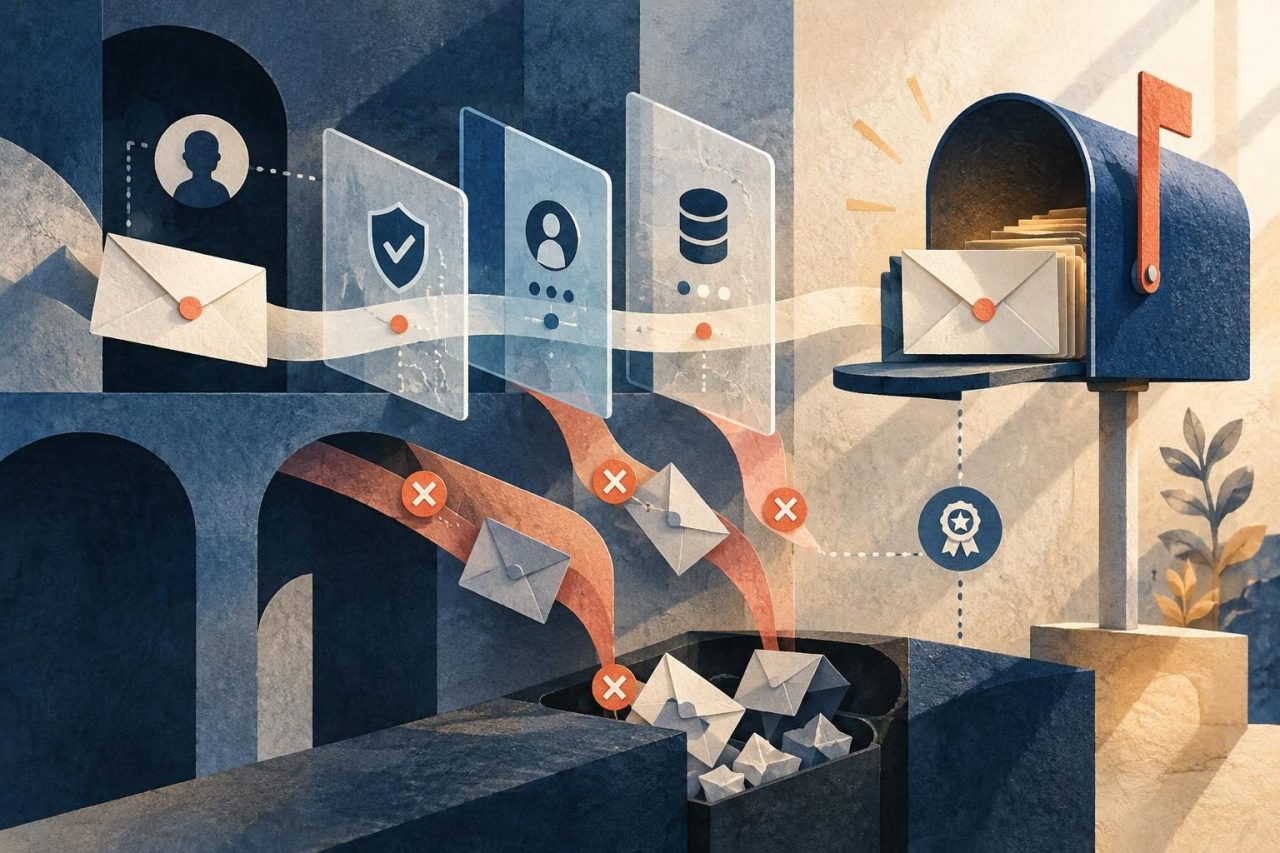
Deliverability is the ability of a message accepted by the receiving server to reach a useful location for its recipient. It is not the same as technical sending: a message can leave your provider and still be rejected or end up in spam. Nor is it a promise that the message will reach the inbox. That decision depends on the recipient's systems, the domain's reputation, and other factors that are not entirely within your control. And reaching someone does not mean getting a reply. An inbox cannot turn an irrelevant pitch into a good editorial opportunity: publication depends on the editor's judgment, the fit, and their needs.
- Acceptance by the server does not necessarily mean delivery to the inbox.
- Successful technical delivery does not guarantee that a message will be read, answered, or result in publication.
- It is useful to assess sending health and editorial outcomes separately.

Separate configuration issues from message issues
Before rewriting a pitch, check for signs of a technical problem. If you see bounces, authentication errors, or a sudden drop in deliveries, start with the domain, provider, and address quality. If the message is delivered but gets no reply, first review its relevance, clarity, and value proposition. No response, by itself, does not prove that the email ended up in spam. Track each stage separately: attempts, server acceptances or rejections, replies, and editorial decisions. This helps you avoid attributing a lack of interest to a technical cause—or the other way around.
- Technical issue: authentication errors, persistent bounces, or server rejections.
- Fit issue: the message was delivered but sent to a person or publication that is not a good match.
- Pitch issue: unclear subject line, imprecise request, or content that is not relevant to the publication.

Check SPF, DKIM, and DMARC
These mechanisms help receiving servers verify who is authorized to send from a domain and whether the message retains a valid signature. The configuration should reflect the services that actually send email on behalf of your organization. If multiple providers are involved, coordinate changes with whoever administers DNS and avoid replacing existing records without understanding the effects. SPF specifies which servers can send for the domain. Keep a single SPF record per domain name and check that it includes legitimate senders. DKIM allows messages to be signed with a key associated with the domain; check that the provider signs emails and that the published public key matches that configuration. DMARC sets how to handle messages that fail checks and can provide reports if configured. For DMARC alignment, at least one of the SPF or DKIM checks must pass and align with the domain shown in the From field. Start by inventorying senders and assessing results before tightening the policy. Moving straight to a restrictive policy without reviewing legitimate services can cause valid messages to fail. Authentication improves verification, but does not guarantee inbox placement.
- Confirm which platform sends each type of email and who administers the DNS records.
- Review SPF, the DKIM signature, and alignment with the visible sender domain.
- Review DMARC reports before changing the policy; apply changes in a controlled way.
Use a clear, consistent identity
The recipient should be able to recognize who is writing and on behalf of which organization. Use an understandable sender name, a professional email address, and a domain consistent with the identity you present. The From field, signature, and page or organization you mention should not tell different stories. Avoid impersonal addresses when the conversation calls for a responsible individual, names that imitate another organization, and subject lines that conceal the nature of the pitch. If you are writing as an agency, clearly explain whom you represent when relevant. Transparency helps the recipient assess the contact; it does not replace technical authentication.
- Keep the sender, message, and signature identity recognizable and consistent.
- Include an easy way to reply or verify who you are.
- Do not use names, domains, or subject lines that could mislead.
Review the quality and provenance of email addresses
An address should have a legitimate source and a specific reason for being on your list. Prioritize contacts published by the organization itself for editorial inquiries or media relations, and verify that the person or inbox is still relevant. An address found on an old page is not necessarily active or suitable for your pitch. Do not buy or reuse opaque lists or send en masse to guessed addresses. In addition to the risk of bounces and complaints, the collection and use of personal data must comply with applicable regulations. In Spain and the European Union, data processing and commercial communications require an appropriate legal assessment; legitimate interest is not automatic authorization for all forms of outreach. Document the source, purpose, and legal basis, and seek advice where appropriate.
- Keep the source and date of review for every contact.
- Check that the recipient covers the topic and type of pitch.
- Remove invalid, duplicate, outdated addresses, and addresses for which someone has requested no further messages.
Send relevant pitches, not indiscriminate messages
Relevance is part of good sending practice. Before writing, check that the publication covers the topic and that the person you are contacting can assess the pitch. Explain why the content or collaboration could interest their audience and make a specific request. Personalization is not adding the recipient's name to a template: it is showing that you understand their context. Avoid large batches of identical messages, misleading subject lines, and repeated follow-ups without a clear reason. Work at a volume that allows you to research and respond, and increase the pace cautiously if you change domains or providers. There is no universal volume that guarantees a good reputation. If the collaboration is paid, be transparent about its nature; and if a paid link is published, take Google Search Central's guidelines on qualifying it into account, including sponsored or nofollow as appropriate.
- Explain how the pitch fits the publication and benefits its readers.
- Make a clear request that is easy to assess, without disguising it as something else.
- Limit follow-ups and stop contacting someone after a refusal or a request to receive no further messages.
Handle bounces, replies, and requests not to be contacted
Classify bounces based on the server message and context. A permanent bounce usually means the address does not exist or the recipient has definitively rejected the message: do not try again without correcting the cause. A temporary error may be due to a transient issue or a limit; follow your provider's instructions and avoid aggressive retries. Maintain a suppression list so you do not write again to invalid addresses or to people who have asked not to be contacted. Apply that suppression across all tools and projects that use the same list. Respond courteously to a refusal and record replies so another team member does not accidentally restart contact.
- Stop sending to an address with a permanent bounce until you verify it through a legitimate source.
- Investigate temporary errors before retrying and respect your provider's limits.
- Centralize opt-outs, refusals, and requests not to be contacted in a suppression list.
Frequently asked questions
How can I tell whether an email reached the inbox?+
There is no universal signal that confirms this for every message. Your provider's logs may show server acceptance or rejection, but acceptance does not reveal with certainty whether the message ended up in the primary inbox, spam, or another folder. Opens are not reliable proof either: privacy protections and automatic loading can distort that metric.
Does having SPF, DKIM, and DMARC configured guarantee deliverability?+
No. Correct configuration helps authenticate the domain and is an important part of the infrastructure, but it does not guarantee inbox placement or prevent all filtering. Reputation, address quality, complaints, content, and receiving-server decisions also play a role.
If nobody replies, does that mean my emails are in spam?+
Not necessarily. The message may have been delivered but may not fit the editor's schedule, audience, or priorities. Review bounces and technical logs separately, and also assess the pitch's relevance and clarity.
Should I send a test email to a verification tool?+
It can be an additional check if the tool is reliable and explains what it measures, but its results do not reproduce every recipient server's conditions. Use it alongside authentication logs, bounce reports, and your provider's guidance.
What should I do if someone asks me not to write again?+
Stop contacting that person, record the request in a suppression list, and check that it is respected across all your processes and tools. Do not try to resume contact from another address or through another team member.
Sources and references
- Google Search Essentials — Google Search Central
- Spam policies for Google web search — Google Search Central
- Qualify outbound links — Google Search Central